Whats New?
New features in Auralia®
Superb new content with thousands of new questions, new topics, enhanced browser support and support for creative notation and composition tasks.
Instructors can now view complete student responses, grade and re-grade questions, and create sophisticated quizzes and assessments using playback controls and question banks and threads.
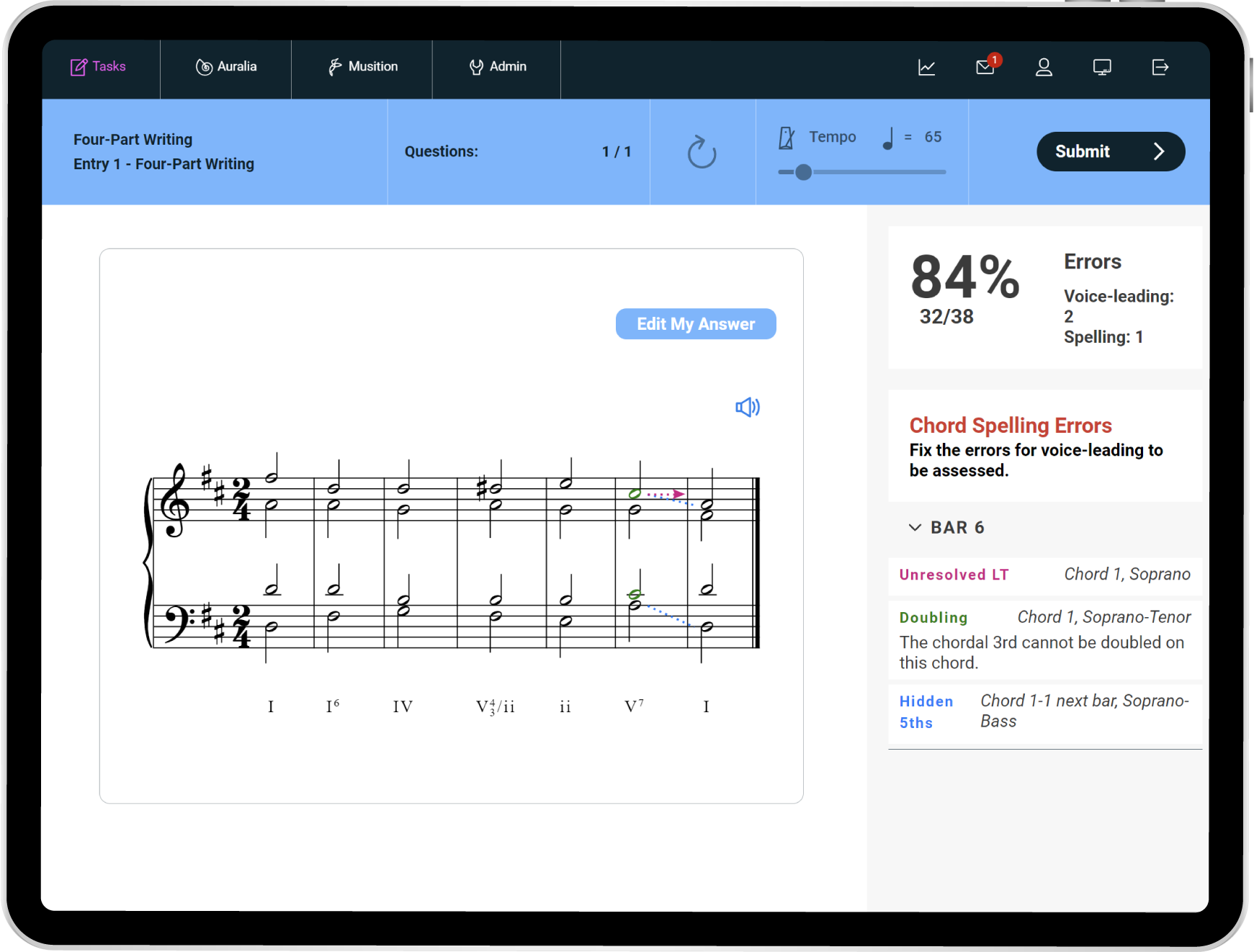
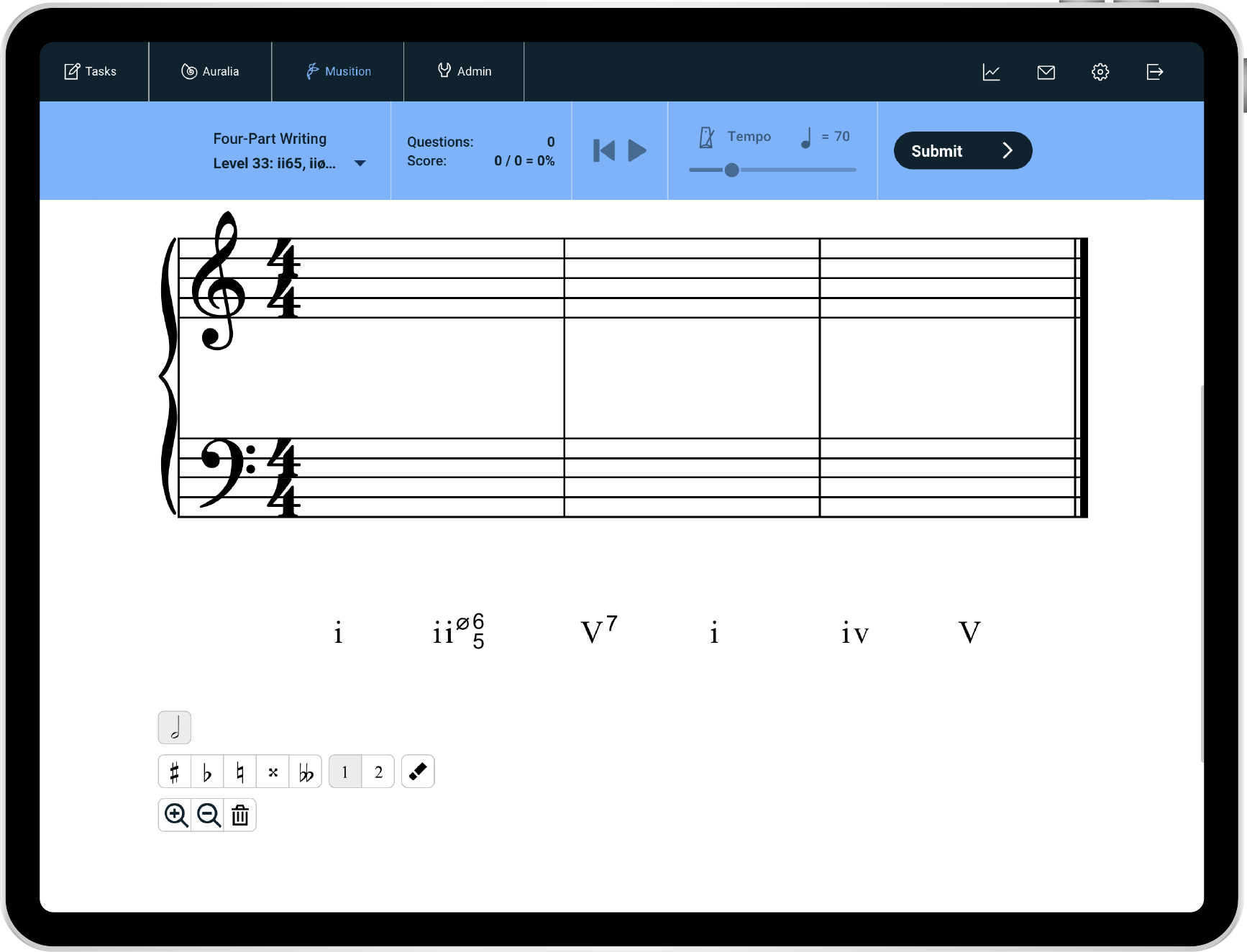
Four-Part Writing
Save hours of grading time and and give your students clear, annotated feedback to guide their learning.
- Parallel Unison/5ths/8ves
- Hidden 5ths/8ves
- Leading tone resolution
- Chordal 7th preparation & resolution
- Chord Spelling including doubling & omissions
- Voice crossing & overlapping
- Range & spacing
- Unequal 5ths & cross relations
- Illegal melodic intervals
- and more...
Sight Singing & Recording
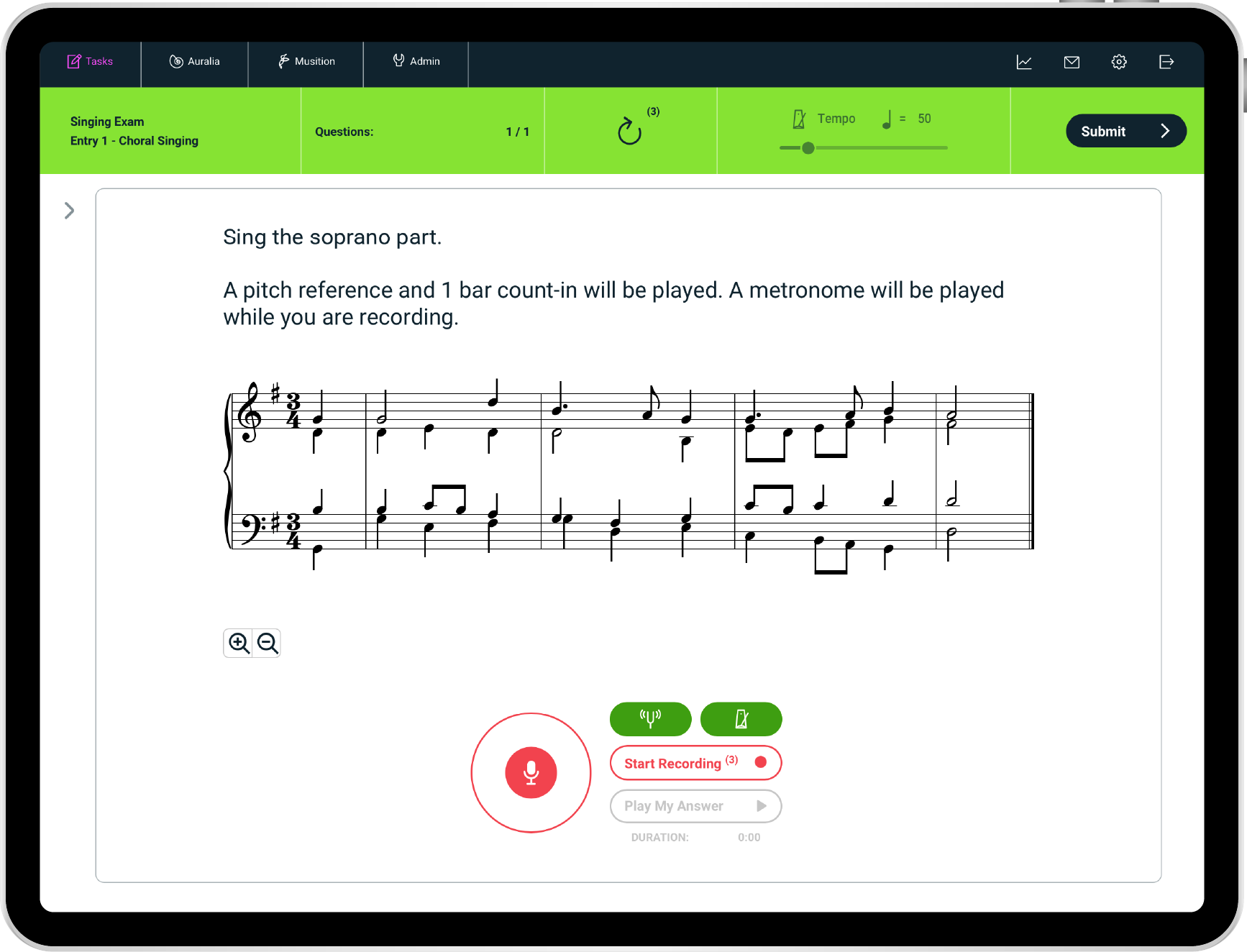
Now your students can record and submit audio assessments directly in Auralia!
This is perfect for sight singing drills, keyboard and piano tests, plus developing imitation and improvisation skills. You could even use it for submitting performance recordings (entrance exams etc), sight-reading or sight-transposition questions.
Have your students practice their choir parts whilst hearing the other parts as an accompaniment, improvise a solo over a 12-bar blues, or sing the root notes of a chord progression.
- Sight Singing
- Sight Reading
- Keyboard and piano tests
- Imitate - call and response
- Transposition
- 2-part counterpoint singing
- Practice choir parts
- Sing or perform with a 'backing track'
- Improvise over a chord progression
Diversify your curriculum
Expand your curriculum offering with the great new diversity content and features in Auralia and Musition®
- Works by women composers
- Works by composers of color
- Pop, Jazz & World music
- Link to Youtube, Spotify and IMSLP
Women composers and composers of color
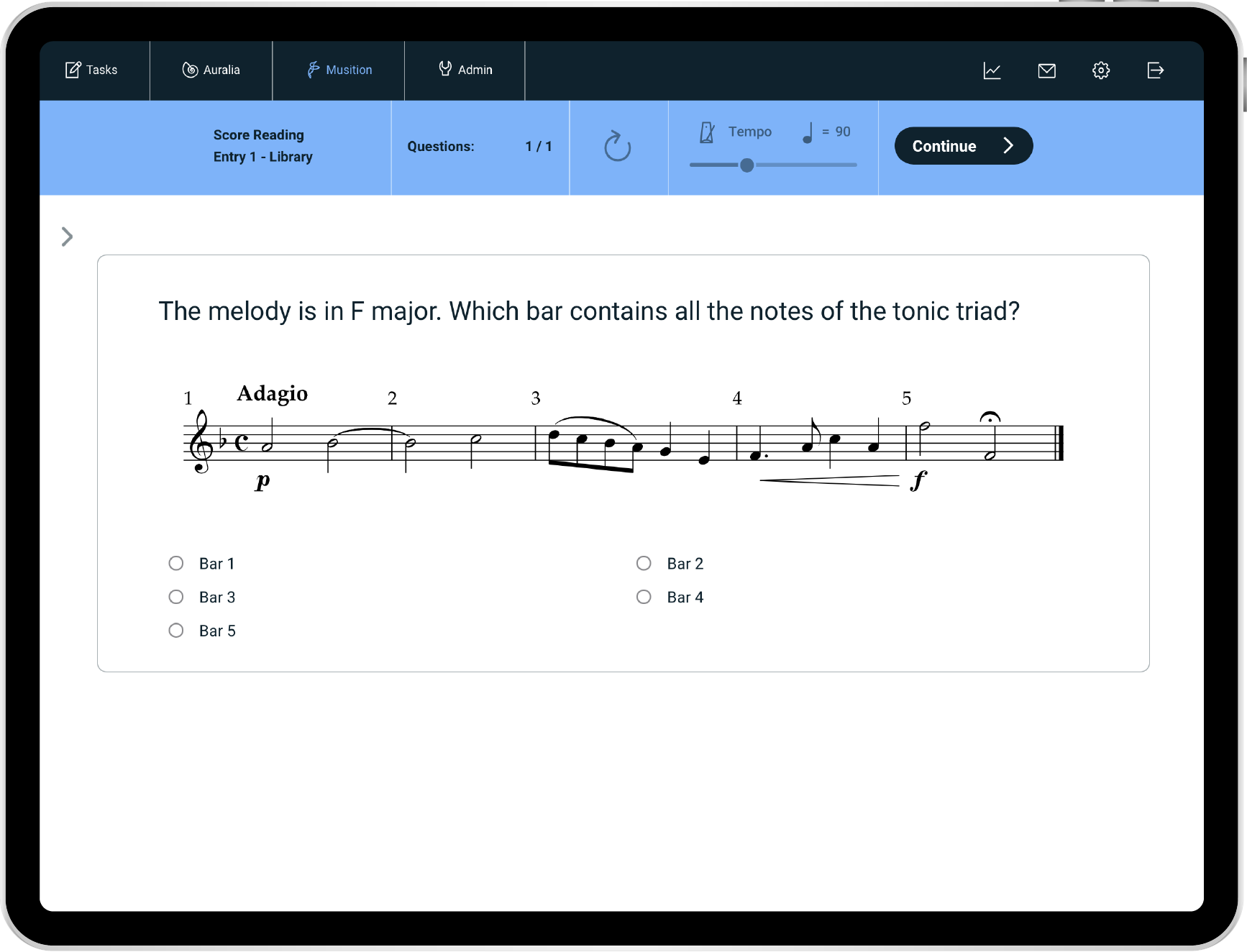
Auralia and Musition now include 800+ new questions based around works by women composers and composers of colour. Including compositions by Louise Farrenc, Emilie Mayer, Louise Reichardt, Joseph Bologne, and Robert Dett amongst others.
Link to YouTube, Spotify, IMSLP...
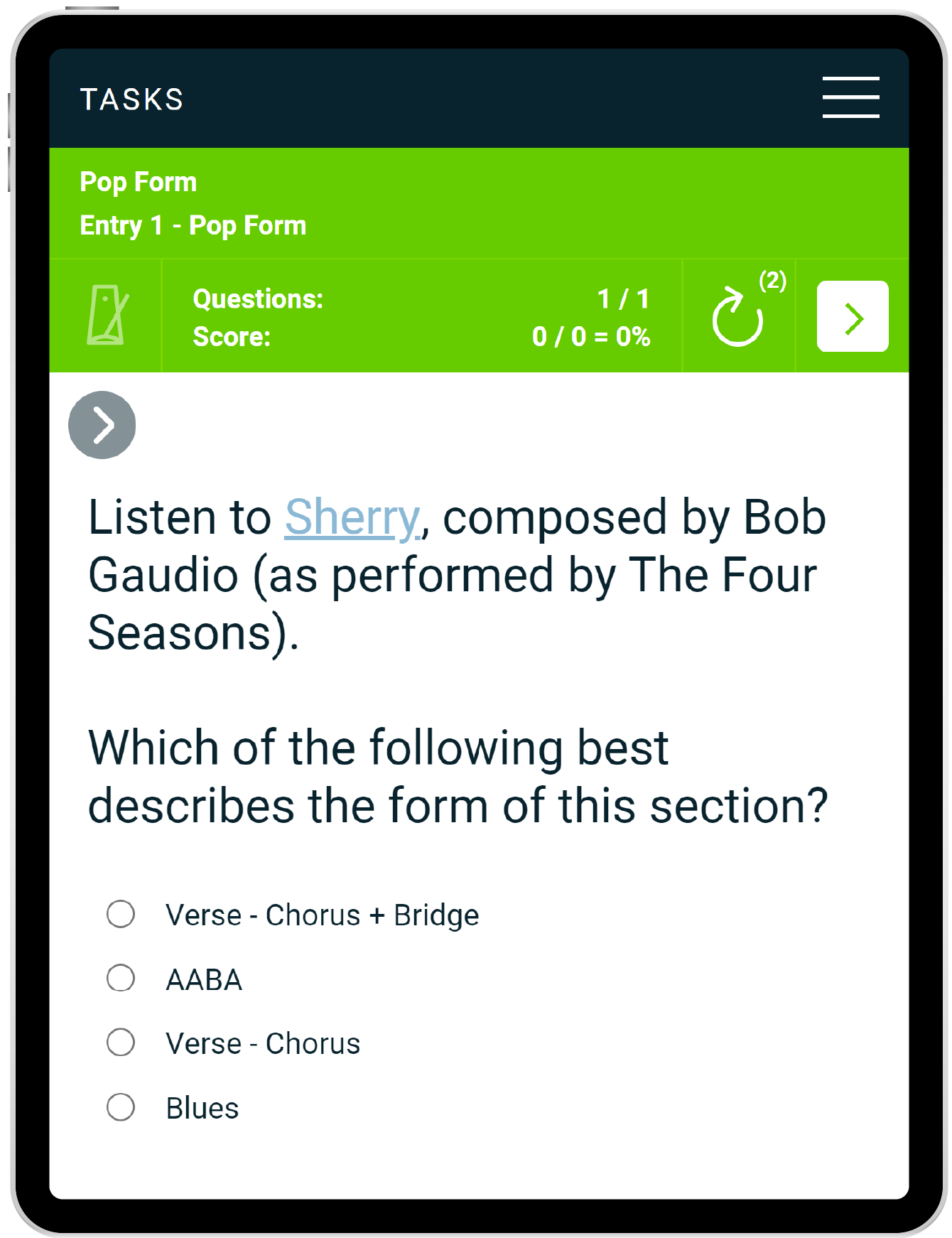
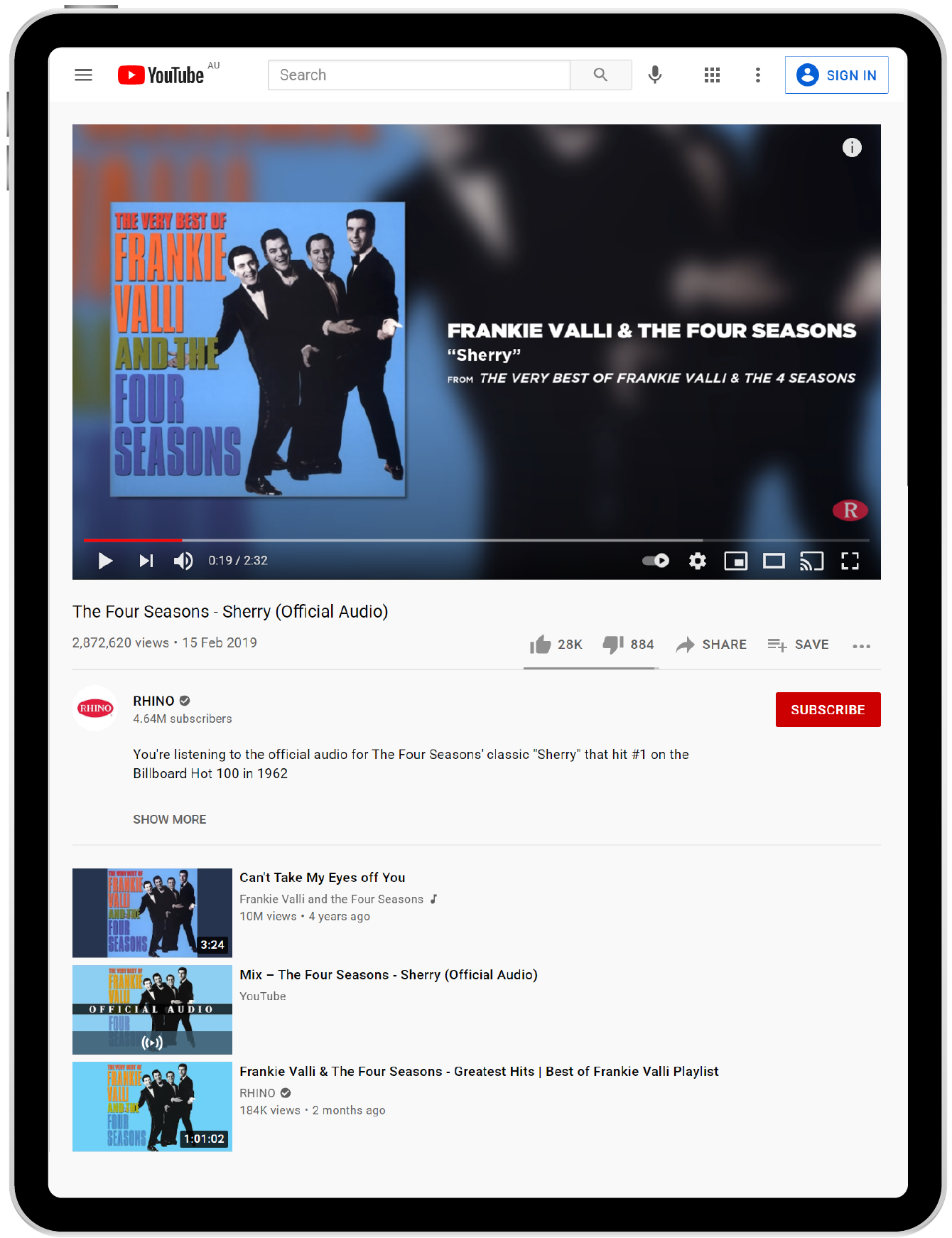
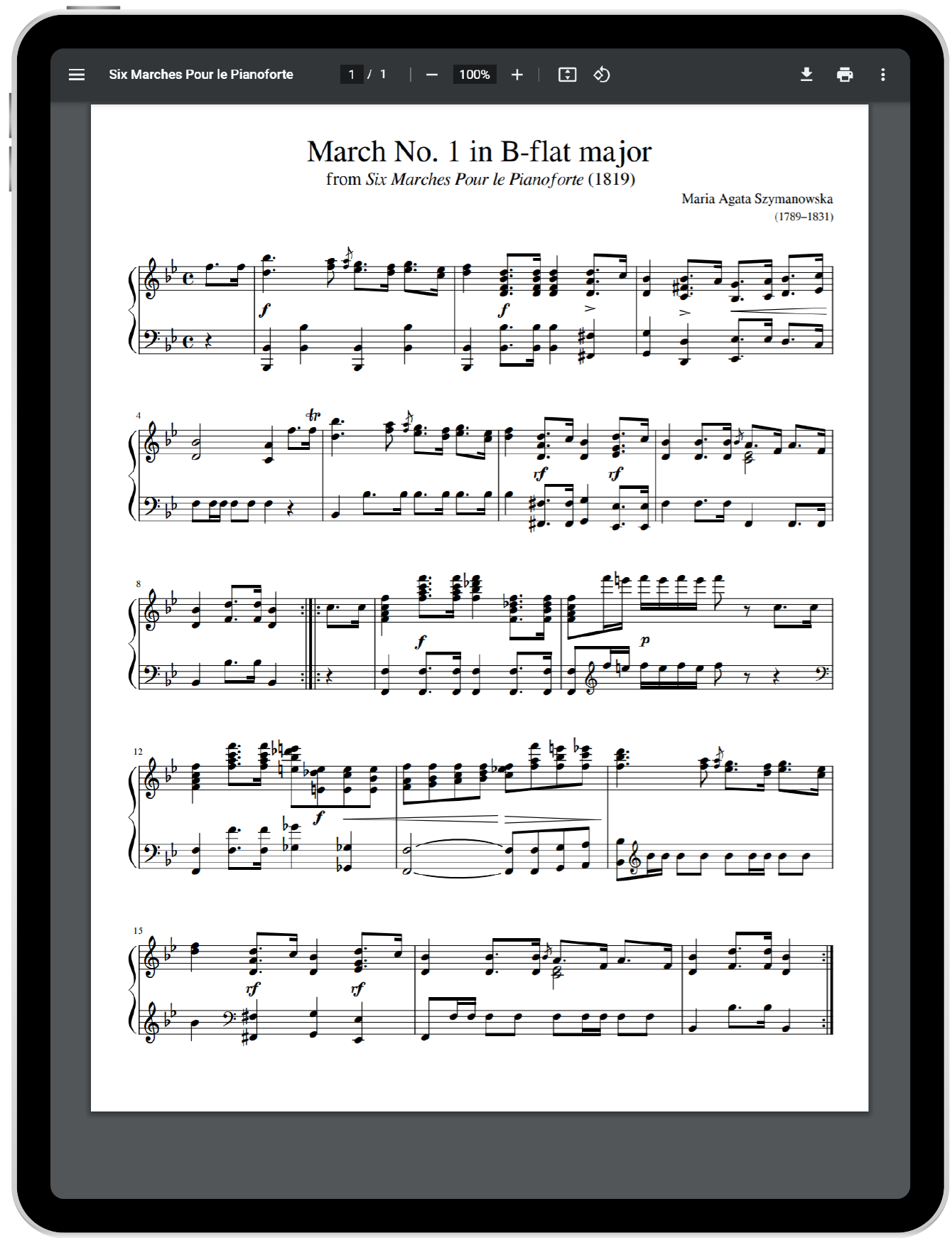
Now you can create questions or worksheet entries that include links to YouTube, Spotify, scores on IMSLP or any online reference. This feature gives you the option to easily incorporate more pop, contemporary, jazz and world music content into your curriculum. Students can explore form, dictation, texture and much more whilst referencing a current track by their favorite RnB artist.
AP* Music Theory
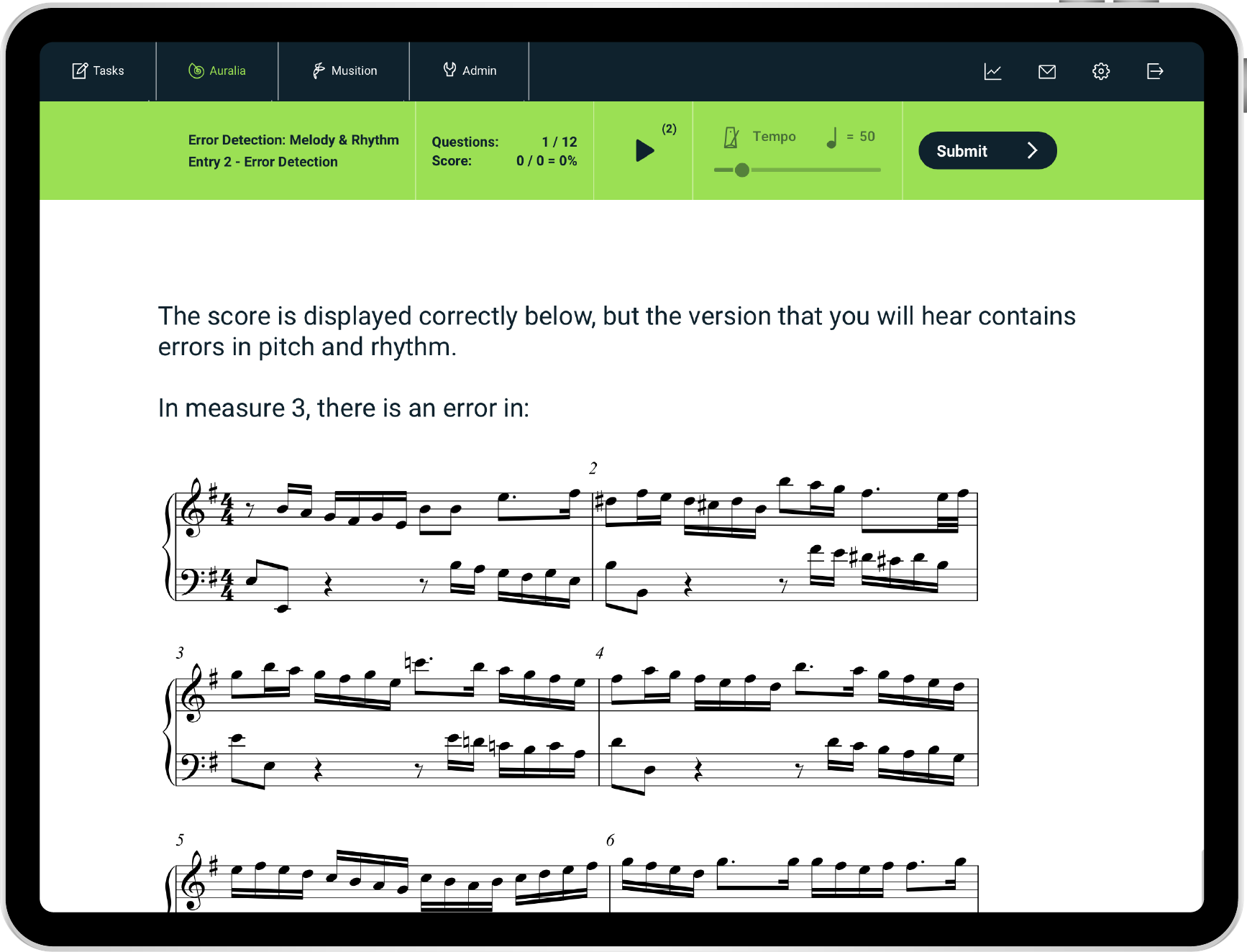
The revised AP* Music Theory syllabus now includes four-part writing and sight singing drills. Levels and worksheets are mapped directly to the CED, providing clear learning pathways, with hundreds of exam specific questions.
Syllabus & Topics
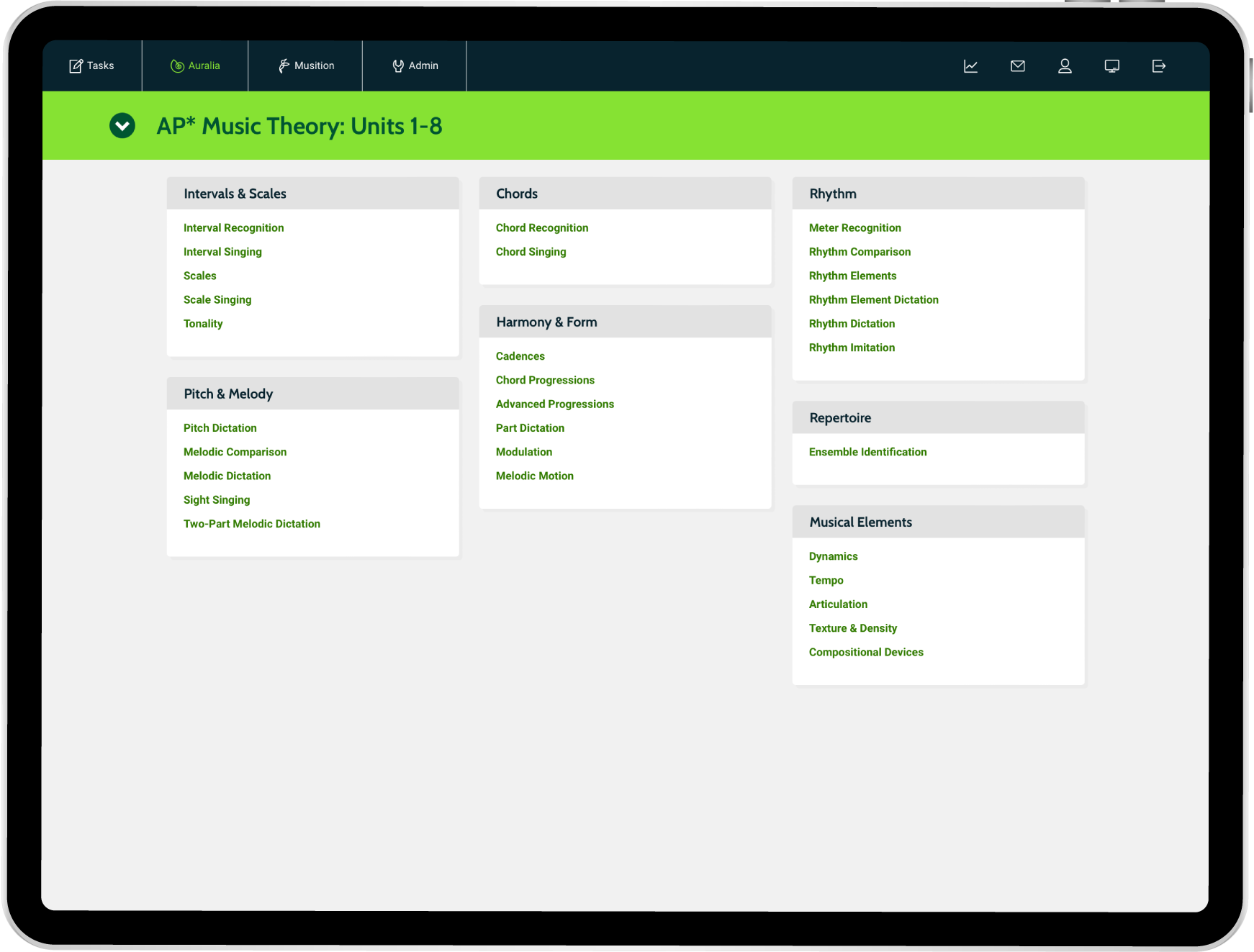
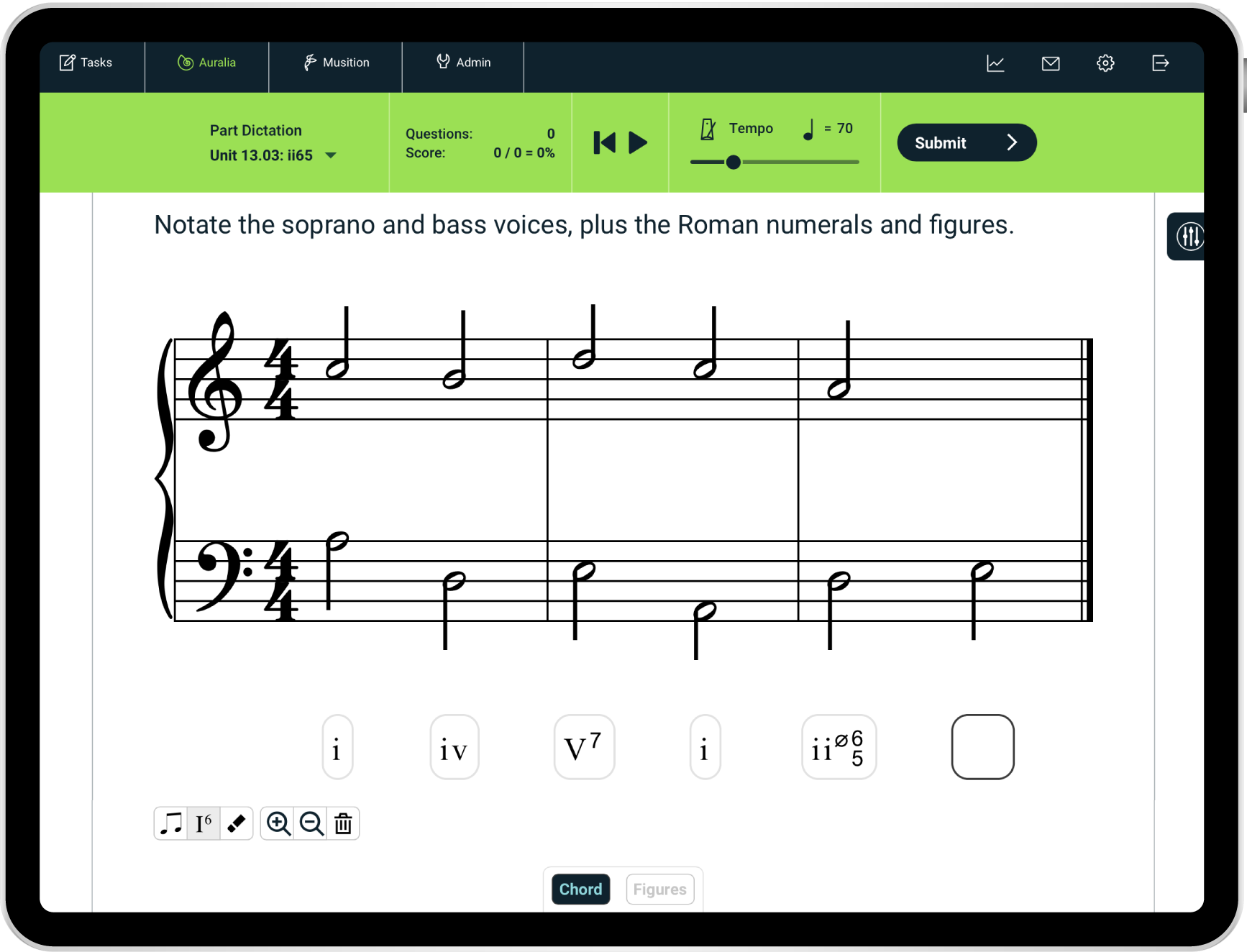
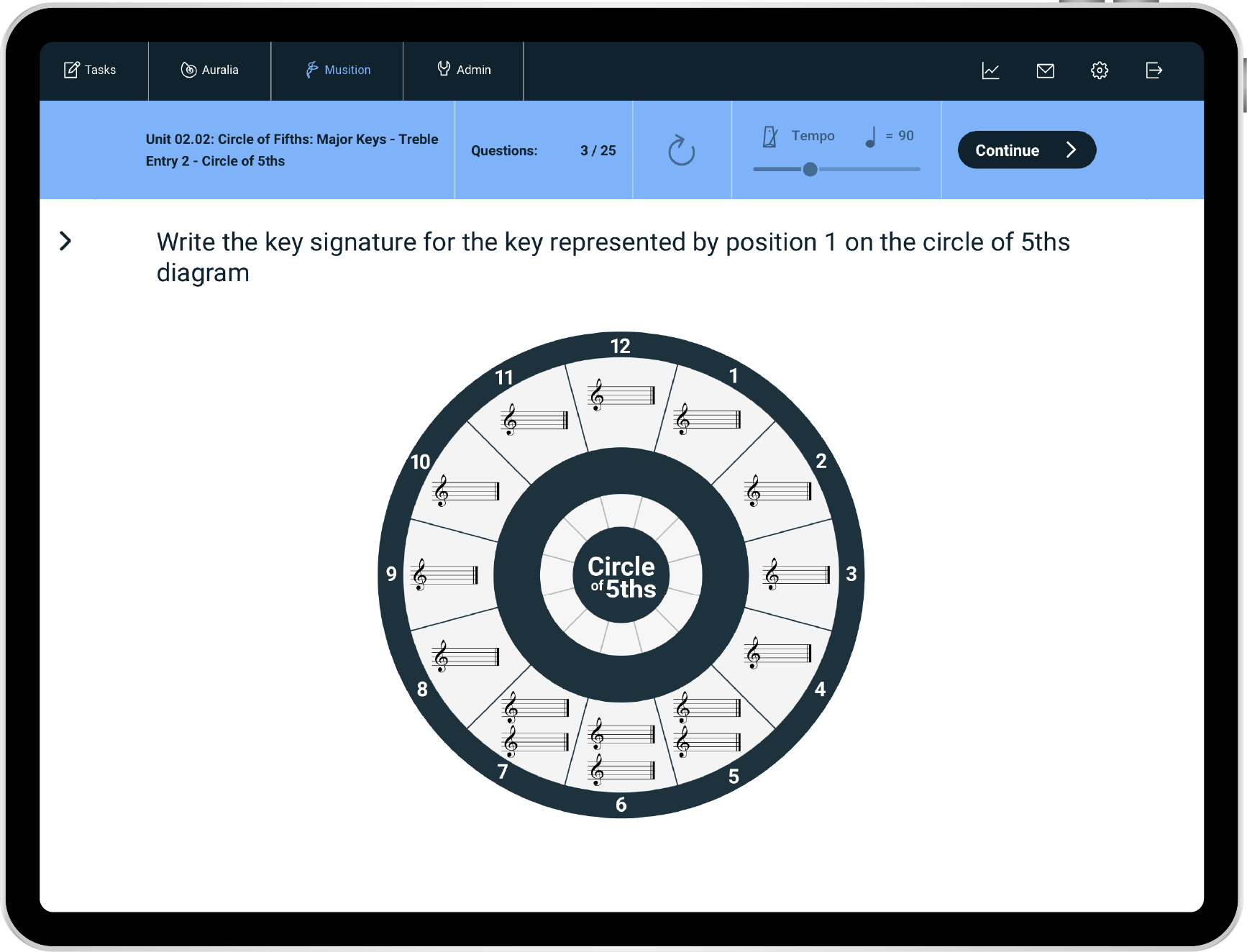
Lots of new content has been added, including syllabus updates, new worksheets and library questions. There are new fundamentals topics, Theory & Aural I-IV worksheets, plus pop music content.. all designed to support your students' learning regardless of their level or musical background.
- Pop Chord Progressions
- Modulation
- Sight Singing
- Part Dictation
- Four-Part Writing
- Harmonization
- Rhythm Counting
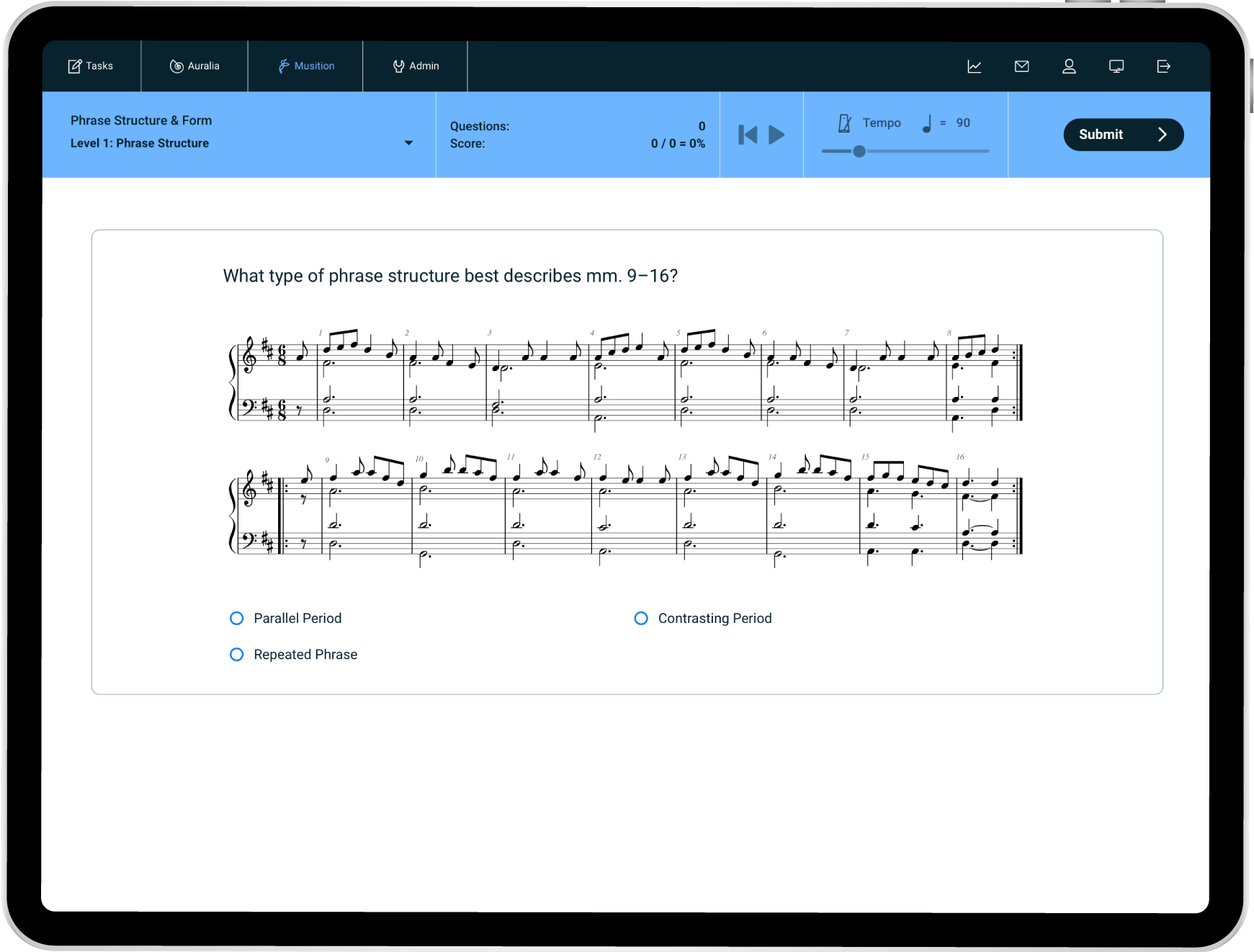
- Phrase Structure & Form
- Sequences
- Circle of Fifths
- Conducting patterns
- Pop Form
- Post-tonal
Browser Support
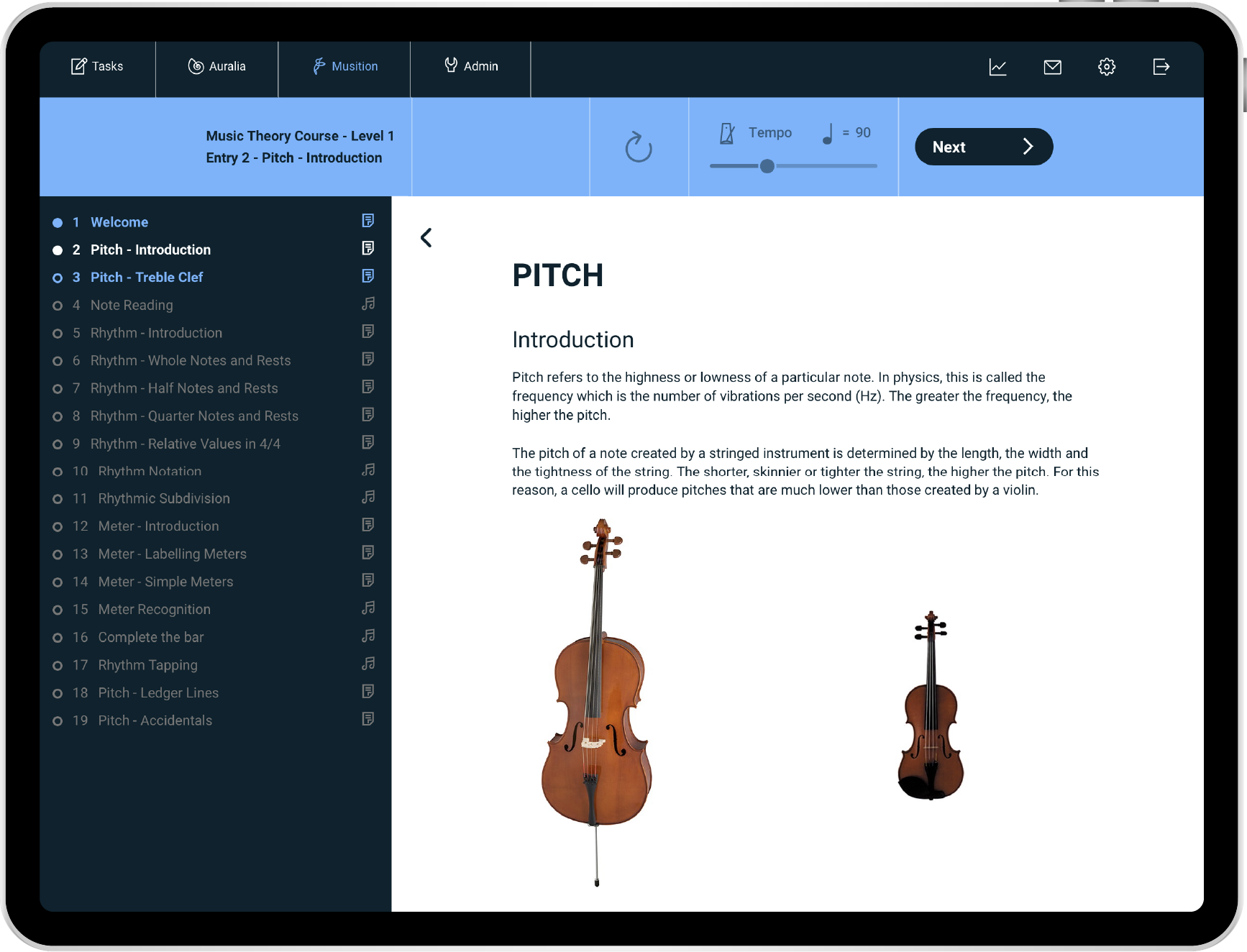
Browser access (phones, tablets, Chromebooks, and computers) now includes courses and some administration functions! You can manage your students, staff and classes in the new People area, without needing to launch the downloaded software.
- Courses
- Manage People
- View Results
- Assign Syllabi & Tasks
- View & Manage LMS linked tasks
Miscellaneous Stuff!
We've done loads of work on 'little things'.... hundreds of improvements and small bug fixes.
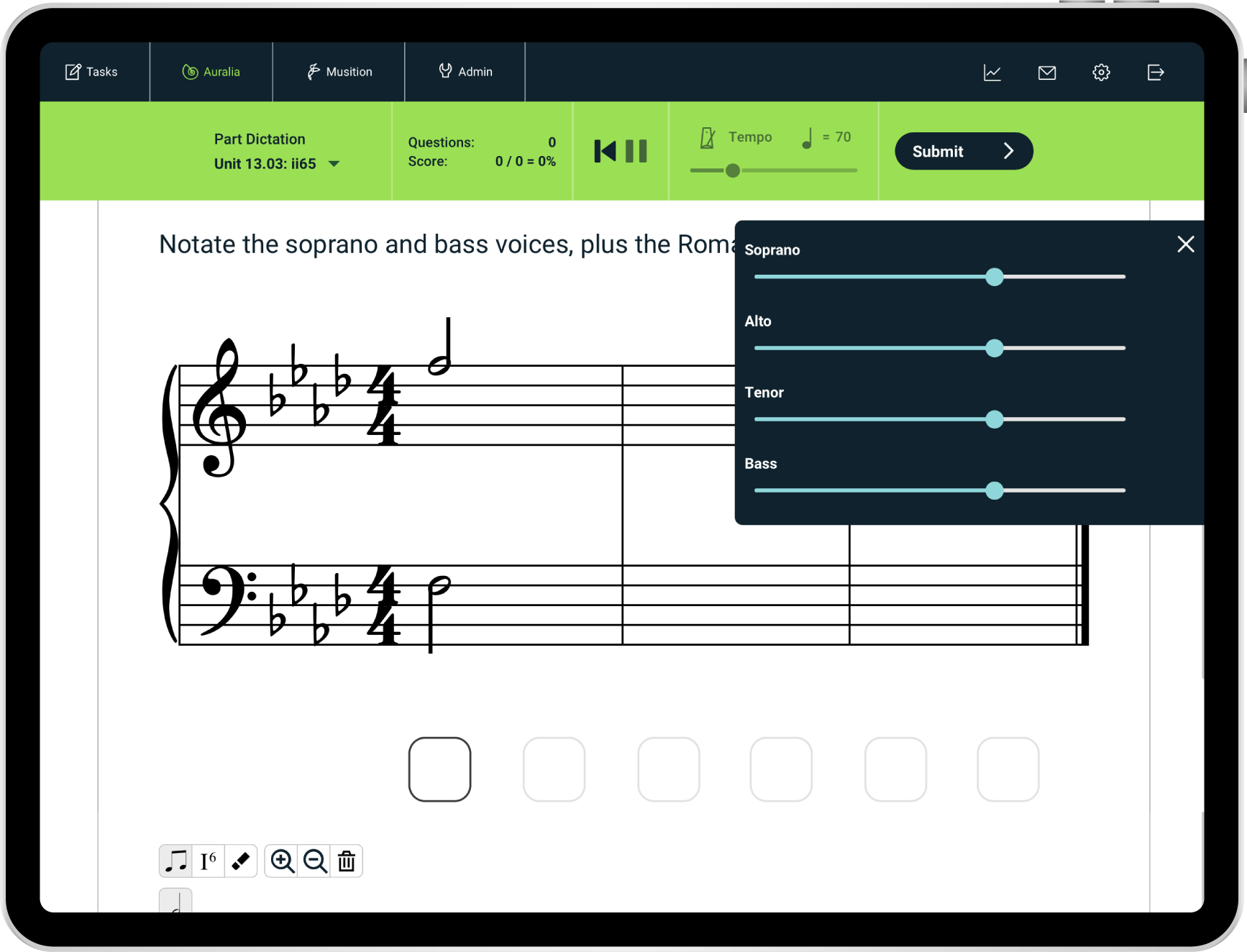
- Mixer Control - Allow students to adjust the level of each voice/part
- HTML editor - Style your text and add links in test entries and library questions
- Test Features - Copy a test entry to another test
- Test Features - Option to prevent incomplete attempts